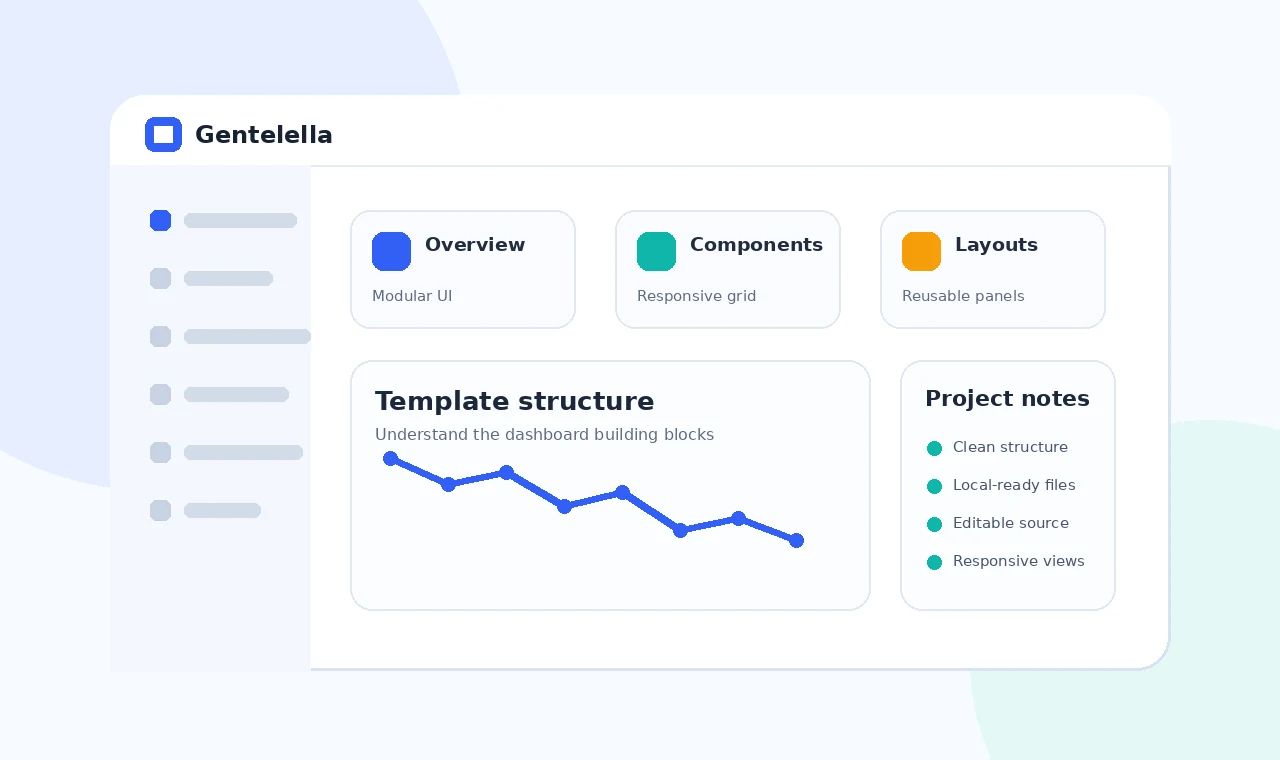
The Gentelella dashboard template gives developers a ready front-end structure for organizing admin pages, navigation and data-focused components. Before changing colors or copying individual cards, it is useful to understand how the overall page shell, shared assets and interface patterns work together.
This guide explains a practical way to review the template, identify reusable parts and turn an example dashboard into a maintainable project foundation without carrying unnecessary files into production.
Start with the page shell
Header and navigation
Identify the elements repeated across pages, including the main navigation, content wrapper and any shared footer or utility controls.
Content regions
Note how page titles, summary cards, tables and forms are grouped. Reuse consistent spacing instead of rebuilding each page independently.
Map reusable component groups
Cards and summaries
Treat summary panels as reusable components with consistent headings, values, states and responsive behavior.
Forms and tables
List the input, validation and table patterns your application needs, then remove examples that do not support real tasks.
Create a project-specific structure
Reduce before expanding
Copy only the pages and assets you understand. A smaller baseline is easier to debug, secure and maintain.
Document shared dependencies
Record which stylesheet and script supports each component so future changes do not create hidden breakage.
Final checklist
- Confirm all local asset paths.
- Remove unused examples and dependencies.
- Test navigation, forms and tables responsively.
- Verify live hosting paths and clean URLs.
- Keep private credentials outside front-end files.